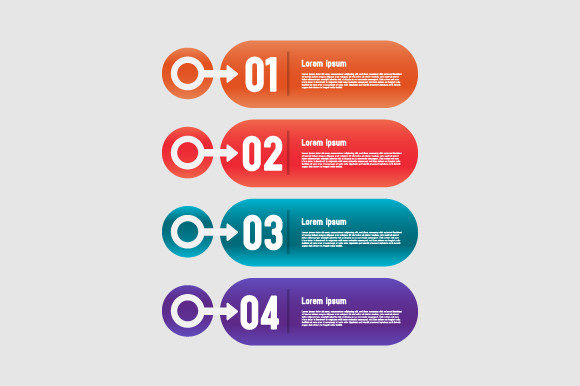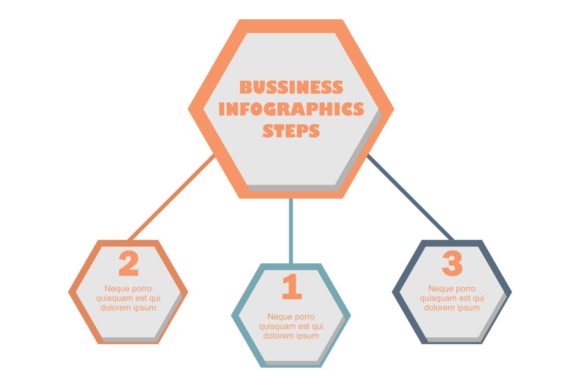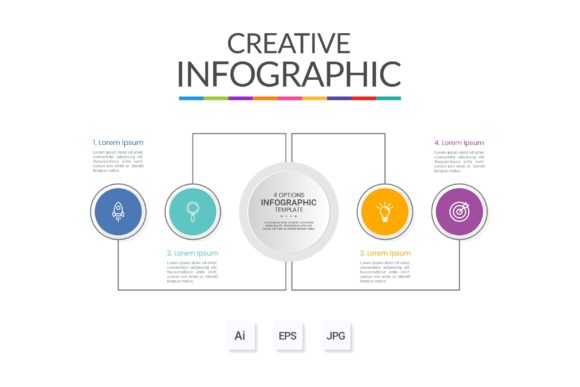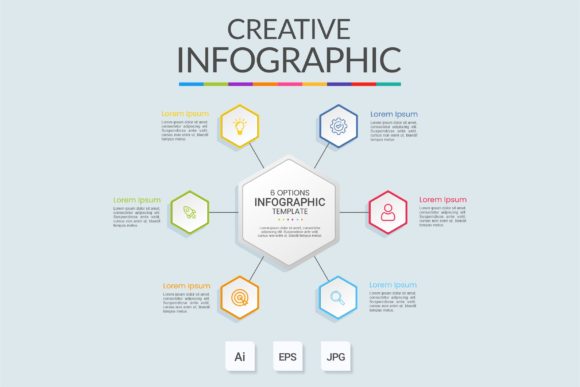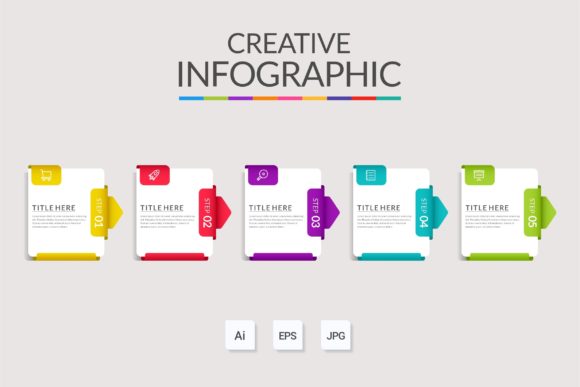
Strategic Visual Communication with Infographic Template Vol.24
Effective visual communication is rarely about decoration; it is about reducing cognitive load and accelerating decision-making. Infographic Template Vol.24 serves as a structural framework for translating complex data, workflows, or product specifications into digestible visual narratives. For professionals ranging from marketers and educators to operations managers and entrepreneurs, this template functions less as a mere graphic asset and more as a strategic tool for alignment. When utilized intentionally, it bridges the gap between raw information and stakeholder understanding, ensuring that critical messages regarding products or processes are received accurately and acted upon promptly.
The primary value of Infographic Template Vol.24 lies in its versatility across multiple business functions. While often categorized under design assets, its architecture supports workflow layout, banner creation, technical diagrams, and web design integration. This adaptability allows organizations to maintain visual consistency across disparate touchpoints without reinventing the wheel for every new campaign or internal memo. By leveraging a pre-structured system where everything is layered and organized, teams can shift their focus from pixel-pushing to message refinement, ultimately improving productivity and output quality.
Aligning Visual Structure with Business Objectives
Before opening the main AI or EPS file, it is necessary to define the specific strategic outcome required. A common failure point in visual communication is selecting a template based solely on aesthetic preference rather than functional fit. Infographic Template Vol.24 is designed to support clarity, but it requires a clear directive to be effective. Ask whether the goal is to educate a customer about a product feature, streamline an internal operational workflow, or present quarterly metrics to investors. Each objective demands a different hierarchy of information.
For product positioning, the template’s modular nature allows for the isolation of key value propositions. Instead of presenting a wall of text, you can use the diagram elements to visually separate features from benefits, guiding the viewer’s eye through a logical progression. In workflow layouts, the organized layers facilitate the mapping of dependencies and handoffs, making bottlenecks visible before they become operational crises. The strategic utility here is not just in the final image, but in the planning process the template forces you to undertake. You must distill your message to fit the structure, which often reveals gaps in logic or unnecessary complexity in your original concept.
Enhancing Productivity Through Organized Assets
Time is a finite resource for freelancers, small business owners, and agency teams. The "easy to modify" nature of Infographic Template Vol.24 is a productivity multiplier, but only if the user understands the file architecture. Because everything is layered and organized, users can toggle visibility, lock background elements, and edit text boxes without fear of breaking the overall composition. This reduces the technical friction that often derails creative projects.
Consider the opportunity cost of custom illustration versus templated adaptation. Creating a bespoke workflow diagram from scratch might take ten hours; adapting this template may take forty-five minutes. That saved time can be reinvested in data verification, copywriting refinement, or stakeholder review. However, this efficiency relies on using the included free fonts and adhering to the established grid. Straying too far from the template’s native structure negates the time savings. Use the template as a baseline for speed, reserving custom design efforts only for elements that truly require unique brand expression.
Practical Applications Across Domains
The flexibility of Infographic Template Vol.24 makes it relevant across various professional contexts. Understanding these specific use cases helps in determining when this asset is the right solution versus when a different approach is needed.
- Web Design and Landing Pages: Use the template to create responsive-ready graphics that explain SaaS features or service tiers. The clean lines and organized spacing translate well to digital screens, helping reduce bounce rates by providing immediate visual context.
- Internal Operations and Training: Standard operating procedures (SOPs) are frequently ignored when presented as dense documents. Converting these into visual workflows using the template increases retention and compliance among staff members.
- Marketing Collateral and Banners: For social media or display advertising, the template provides a consistent frame that reinforces brand recognition while allowing for rapid iteration of messaging for A/B testing.
- Educational Content and E-Learning: Educators and trainers can use the diagram features to break down abstract concepts into concrete visual steps, supporting diverse learning styles and improving student outcomes.
In each scenario, the template acts as a container for expertise. It does not replace the need for subject matter knowledge, but it amplifies the reach of that knowledge by making it accessible to non-experts.
Mitigating Risks: Context Over Convenience
While Infographic Template Vol.24 offers significant advantages, relying on it without strategic oversight carries risks. The most prevalent danger is the "template trap," where the content is forced to fit the design rather than the design serving the content. If your data has five distinct categories but the selected layout only accommodates four, do not shoehorn information or delete a critical category simply to preserve the visual symmetry. This compromises accuracy for aesthetics, which erodes trust.
Another risk involves brand dissonance. Simply changing the text is insufficient if the color palette, typography weight, or icon style clashes with your existing brand identity. While the template includes free fonts and is easy to modify, you must apply your brand guidelines rigorously. A visually polished infographic that feels generic or off-brand can damage perceived professionalism. Always audit the modified template against your brand standards before publication. Additionally, ensure that the visual metaphors used in the template align with your audience's cultural and industry context. A workflow diagram that uses manufacturing iconography may confuse a software development team, regardless of how well-organized the layers are.
Optimizing the Modification Workflow
To extract maximum value from the main AI and EPS files, adopt a systematic modification workflow. Begin by duplicating the master file to preserve the original asset. Next, audit the layer structure. Rename layers as you work to maintain organization, especially if multiple team members will access the file later. This practice prevents version control issues and ensures that future updates remain efficient.
When replacing text, prioritize conciseness. Infographic Template Vol.24 is designed for brevity; lengthy paragraphs will destroy the visual balance. If you cannot summarize a point within the designated text area, the issue is likely with the copy, not the template. Edit ruthlessly. Furthermore, verify that all placeholder elements have been updated. Nothing undermines credibility faster than leftover Lorem Ipsum text or generic icons that no longer match the adjacent content. Finally, export in appropriate formats for the intended medium. Web designs require optimized RGB files, while print banners demand high-resolution CMYK outputs. Understanding these technical distinctions ensures the strategic intent survives the transition from screen to final deliverable.
Long-Term Value and Scalability
Investing time in mastering Infographic Template Vol.24 yields compounding returns. As you become familiar with its grid system and component library, you develop a mental model for structuring information visually. This skill transfers beyond this specific template, improving your ability to evaluate and utilize other design assets. Moreover, maintaining a library of adapted templates creates a scalable visual system for your organization. Future projects can reference past adaptations, ensuring continuity and reducing onboarding time for new designers or marketers.
Ultimately, this template is a lever for better communication. It enables adults in professional roles to present ideas with greater clarity, confidence, and speed. By approaching it strategically—focusing on goals, respecting the structure, and avoiding mindless customization—you transform a simple design file into a robust engine for business results. Whether clarifying a complex workflow, launching a new product, or educating an audience, the disciplined application of Infographic Template Vol.24 supports informed decision-making and sustainable growth.