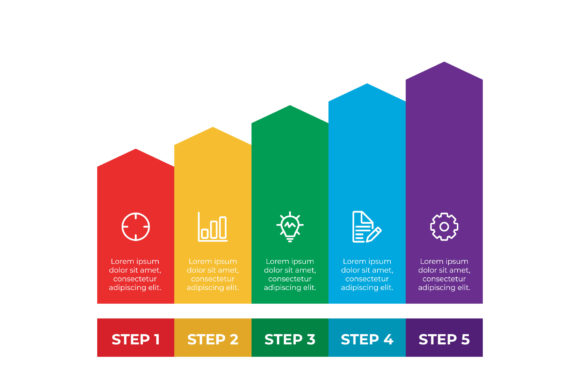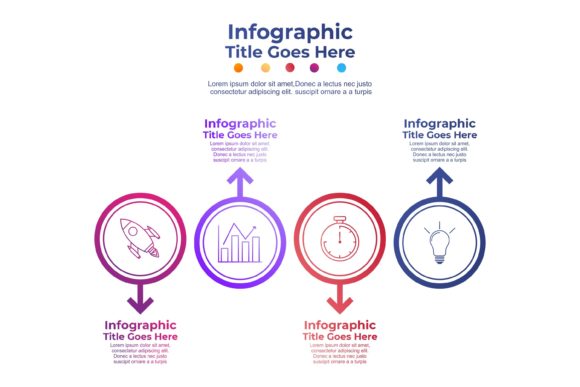
Vector Infographic Banner Set: Editable Design Assets
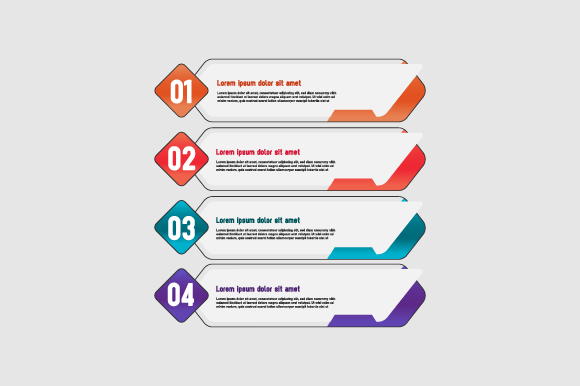
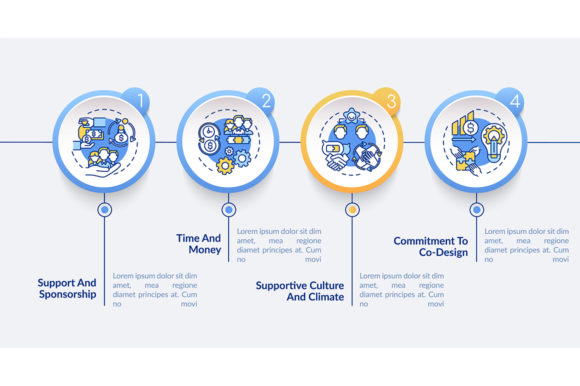
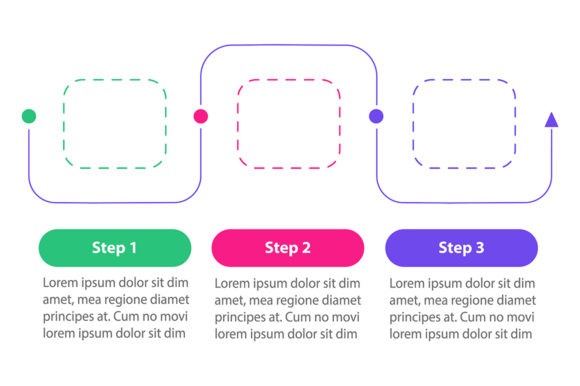
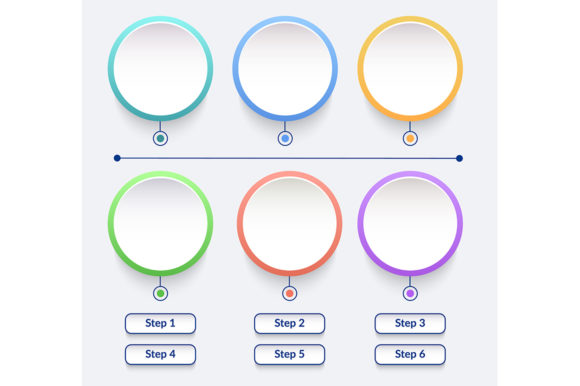
Effective visual communication often hinges on the ability to present complex information clearly and attractively. The Vector Infographic Banner Set provides a foundational toolkit for designers, marketers, and content creators who need to bridge the gap between raw data and audience engagement. Unlike raster-based templates that degrade when adjusted, this collection is built entirely on vector mathematics. This distinction matters significantly in professional workflows where assets must adapt to various formats, from social media cards to large-format print displays, without requiring constant regeneration or quality loss.
The core value of this set lies in its structural flexibility. With 100 distinct vector shapes included, users are not locked into a single layout or aesthetic. Each element is openable, editable, and resizable while maintaining crisp edges at any dimension. This scalability ensures that whether you are designing a thumbnail for a blog post or a wide banner for a conference presentation, the visual integrity remains intact. The files are organized with logical layer structures, making navigation intuitive even for those who may be returning to a project after weeks or months.
Technical Flexibility and File Compatibility
Professional design environments rarely rely on a single software platform. This Vector Infographic Banner Set addresses that reality by providing source files in both AI and EPS formats, alongside high-resolution JPG exports for immediate use. The inclusion of Adobe Illustrator (AI) files allows for deep customization within the industry-standard vector environment, while Encapsulated PostScript (EPS) files ensure compatibility with CorelDRAW, Affinity Designer, Inkscape, and other vector editing suites.
Color management is often the most time-consuming aspect of adapting stock assets to specific brand guidelines. These vectors are constructed to allow easy color changes without complex masking or reconstruction. You can adjust hues, saturation, and gradients globally or per element, ensuring the infographic aligns perfectly with corporate identity systems or seasonal campaign themes. This ease of modification transforms the set from a static template into a dynamic design system that evolves with your project needs.
Practical Applications for Business and Marketing
For entrepreneurs and small business owners, clarity is currency. The Vector Infographic Banner Set serves as an efficient vehicle for explaining product features, service tiers, or operational processes. Instead of writing dense paragraphs about how a SaaS platform works, a marketer can utilize three or four connected vector shapes to illustrate a user journey or feature hierarchy. This visual shorthand reduces cognitive load for the viewer and increases retention of key messages.
Social media managers and digital advertisers benefit from the set’s modularity. Platforms like LinkedIn, Instagram, and Pinterest require different aspect ratios and visual densities. Because these banners are fully resizable vectors, a single master design can be adapted for a square Instagram post, a vertical Story, and a horizontal LinkedIn article header without pixelation or awkward cropping. The 100 included shapes provide enough variety to create a cohesive series of posts rather than repetitive, identical graphics, helping maintain audience interest over long-term campaigns.
Educational and Instructional Use Cases
Educators, trainers, and instructional designers face the unique challenge of making abstract concepts tangible. Vectors are particularly suited for this task because they represent ideas symbolically rather than photographically. When teaching a process, timeline, or classification system, the clean lines and geometric forms of this banner set help strip away visual noise. Students and trainees can focus on the relationship between elements rather than being distracted by decorative excess.
The organized layers within the AI and EPS files are especially valuable in educational contexts where content updates frequently. A teacher using these banners for a semester-long course can quickly swap text labels, adjust color coding to match new curriculum standards, or rearrange shapes to reflect updated methodologies. This editability extends the lifespan of the asset far beyond a single use case, making it a sustainable resource for ongoing instructional design projects.
Maintaining Visual Consistency Across Projects
One of the primary risks when using downloadable design assets is creating work that looks disjointed or generic. To maximize the effectiveness of the Vector Infographic Banner Set, approach it as a component library rather than a finished product. Establish a consistent visual language early in your project by defining a limited color palette and typography pairing before applying the vector shapes. This constraint actually enhances creativity by forcing thoughtful decisions about hierarchy and emphasis.
When combining multiple banners or shapes, pay attention to negative space and alignment. The mathematical precision of vector graphics means that spacing should be equally precise. Use grid systems and alignment tools within your vector editor to ensure that gaps between elements are uniform and that text blocks relate logically to their corresponding graphical elements. This attention to micro-details signals professionalism and builds trust with your audience, distinguishing your work from hastily assembled templates.
Optimizing Workflow with Organized Layers
The "organized layers" feature mentioned in the asset description is not merely a convenience; it is a workflow accelerator. When working under tight deadlines, searching through unnamed layers or grouped objects wastes valuable time. Take advantage of the pre-structured hierarchy by naming your custom additions consistently with the existing convention. If you duplicate a banner shape for variation, rename it immediately to reflect its new purpose. This discipline pays dividends when you or a colleague need to revisit the file later.
For freelancers and agencies managing multiple client accounts, this organization enables safer collaboration. You can lock background elements, hide unused variations, and isolate active work areas to prevent accidental edits. When delivering final files to clients who may have limited design experience, consider simplifying the layer structure further or providing a brief guide on which layers control color versus content. This extra step reduces support requests and empowers clients to make minor adjustments independently.
Creative Adaptation and Originality
While the Vector Infographic Banner Set provides a strong starting point, the most compelling results come from thoughtful adaptation. Consider mixing shapes from different banners within the set to create hybrid layouts that better serve your specific narrative. A timeline element might work better as a circular process diagram with minor anchor point adjustments. The 100 included shapes are building blocks, not boundaries.
Experiment with scale and proportion to create visual interest. Not every element needs to be uniform size; emphasizing one shape over others can guide the viewer’s eye through the information hierarchy. Combine flat vector styles with subtle gradients or textures if your brand allows, but do so sparingly to maintain the clarity that makes infographics effective. The goal is to enhance comprehension, not to showcase technical effects. Always test your designs at actual viewing size to ensure readability and impact translate across devices and print formats.
Ultimately, this vector collection succeeds because it respects the designer’s time and intelligence. It provides professional-grade, technically sound components that handle the heavy lifting of structure and scalability, freeing you to focus on message, audience, and creative execution. Whether you are launching a product, teaching a concept, or building a brand presence, these editable, resizable vectors offer a reliable foundation for clear, effective visual communication.