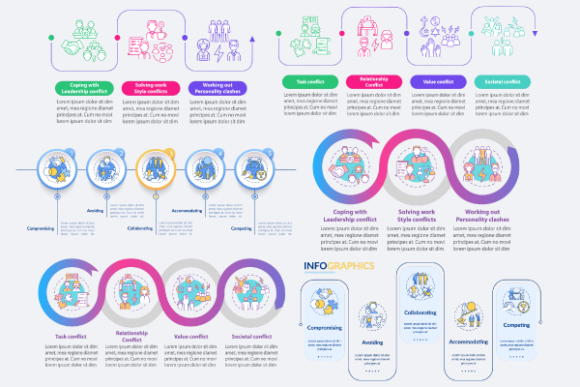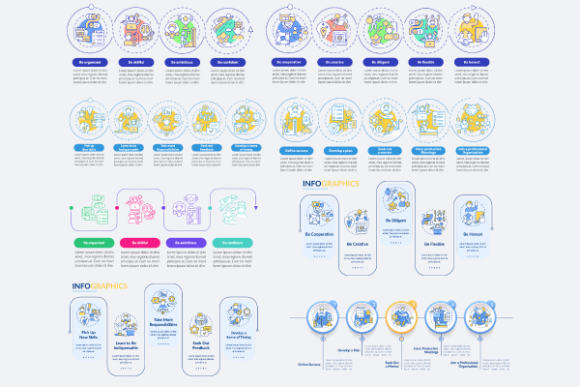
Career Steps Infographic Bundle: A Practical Guide to Professional Visuals
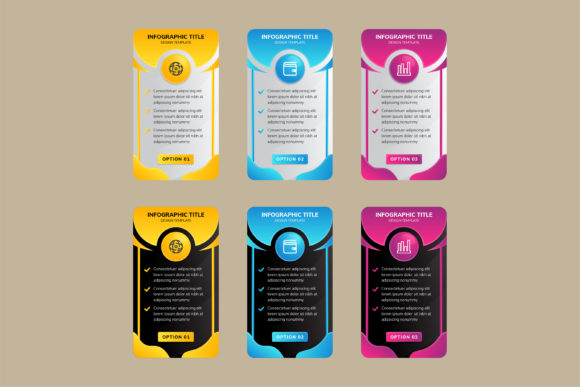
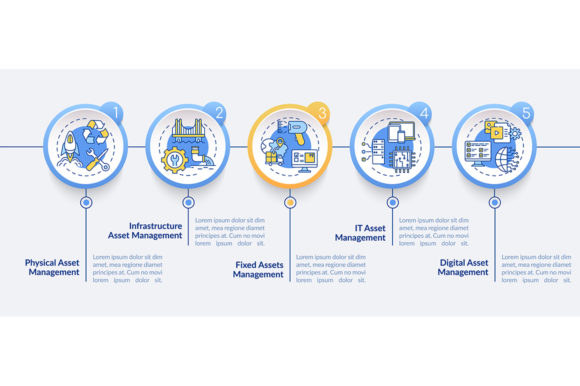
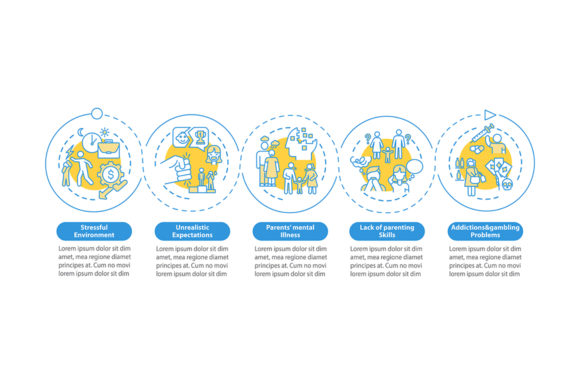
Visualizing a professional journey requires more than just placing arrows on a slide; it demands a narrative structure that guides the viewer through complex developmental milestones. The Career Steps Infographic Bundle serves as a comprehensive toolkit for this exact purpose, offering pre-designed frameworks that transform abstract career concepts into tangible visual assets. Whether you are an HR professional outlining promotion pathways, a freelancer showcasing your service evolution, or an educator teaching professional development, these templates provide the structural foundation necessary for clear communication. However, possessing high-quality vector assets does not automatically guarantee effective design. Many users inadvertently undermine the value of these resources by treating them as static clip art rather than flexible data visualization systems.
Overlooking Format Flexibility and Scalability
One of the most frequent errors when acquiring design assets is ignoring file format specifications until the moment of implementation. When working with process timeline info charts or workflow layouts, resolution independence is non-negotiable. Users often default to downloading JPEG or PNG versions because they are immediately viewable in standard image viewers, only to discover later that these raster formats cannot be scaled for large-format printing or high-resolution displays without pixelation.
To avoid this limitation, always prioritize the EPS, SVG, or AI files included in the bundle. These vector-based formats allow you to resize elements infinitely while maintaining crisp edges, which is essential when adapting a mobile app screen page design for a billboard or a detailed brochure. Furthermore, SVG files are increasingly vital for web performance. Using a heavy PNG for a website’s career roadmap slows down load times and hurts SEO, whereas an optimized SVG renders instantly and remains sharp on retina screens. Before starting your project, verify that your editing software supports the specific vector format provided. While Adobe Illustrator (AI) is the industry standard, many modern tools can import EPS or SVG files effectively, ensuring you retain full editability regardless of your preferred platform.
Mismanaging Data Visualization Hierarchy
A common pitfall in using career steps vector infographic templates is overcrowding the visual field with excessive text. These templates are designed as data visualization tools, not document containers. When users attempt to paste entire job descriptions or lengthy policy paragraphs into a step-by-step layout, the result is often illegible and visually overwhelming. This defeats the primary purpose of an infographic, which is to simplify complexity.
Instead of forcing content into the template, adapt the content to fit the medium. Use the line icons and graphical markers as anchors for concise headlines and brief bullet points. If detailed information is necessary, use the infographic as a summary tool and link to a separate document or webpage for the deep dive. For example, a "5 Stages of Leadership" chart should list the stage names and key competencies, not the full training manual. By respecting the whitespace and visual hierarchy inherent in professional development presentation outline design elements, you ensure the audience absorbs the core message before seeking additional details. Effective communication relies on cognitive ease; if the viewer has to squint or mentally parse dense blocks of text within a graphic, the design has failed its function.
Neglecting Customization for Brand Consistency
Templates are starting points, not final products. A significant mistake occurs when creators use the Career Steps Infographic Bundle exactly as it appears in the preview. Stock colors and generic iconography can make your presentation look impersonal or disconnected from your organization's identity. This lack of customization can reduce trust and engagement, particularly in corporate environments where brand alignment signals professionalism.
Treat every element as editable. Swap the default color palette for your brand guidelines immediately upon opening the file. Replace generic line icons with custom illustrations or specific symbols relevant to your industry if the defaults do not resonate. For instance, a tech startup might replace a generic "gear" icon representing skills with a specific coding language logo or a cloud computing symbol. This level of specificity transforms a generic template into a bespoke asset. Additionally, consider the tone of the typography. If the template uses a playful font but your content addresses serious compliance training, changing the typeface is a mandatory corrective step. Consistency between visual style and content tone is crucial for maintaining credibility.
Ignoring Contextual Appropriateness
Not every infographic style suits every message. Users sometimes select a circular cycle diagram when a linear timeline is required, or choose a complex workflow layout for a simple three-step process. This mismatch creates cognitive dissonance, confusing the audience about the nature of the career progression being depicted. A circular diagram implies repetition and ongoing maintenance, while a linear path suggests distinct stages with a clear beginning and end.
Before selecting a specific template from the bundle, map out your content logic independently of the visuals. Determine whether the career steps are sequential, cyclical, hierarchical, or parallel. Only then should you browse the bundle for a matching structure. If your content involves conditional pathways—such as different tracks for management versus individual contributors—a rigid linear template will fail to represent the nuance. In such cases, look for workflow layouts with branching connectors or modular grid systems that allow for non-linear storytelling. Choosing the right structural metaphor is just as important as the aesthetic quality of the design.
Failing to Verify Licensing and Usage Rights
In the rush to meet deadlines, many users skip reading the licensing terms associated with digital asset bundles. Assuming that purchasing a Career Steps Infographic Bundle grants unlimited rights for all contexts can lead to legal complications or ethical missteps. Some licenses restrict usage to personal projects, limit the number of impressions for commercial work, or prohibit resale of the templates as standalone items.
Always review the license agreement specifically regarding your intended use case. If you are creating client deliverables, ensure commercial rights are included. If you plan to incorporate elements into a mobile app or a SaaS product, verify that embedded digital distribution is permitted. Understanding these boundaries protects your business and respects the creators' intellectual property. Furthermore, keeping track of which assets belong to which license tier helps prevent accidental violations during future projects. Responsible usage ensures sustainable access to high-quality resources for the entire creative community.
Maximizing Value Through Continuous Learning
Design trends and best practices evolve rapidly. A template that was cutting-edge two years ago may now appear dated if not refreshed with contemporary styling. Relying solely on a single purchase without staying updated can lead to stale presentations over time. Professional development extends beyond career content; it includes maintaining your own design literacy.
To keep your visual communications fresh and effective, engage with sources that regularly update their libraries and offer educational insights. New topics and discounts every week provide opportunities to expand your asset collection without straining budgets. Subscribe on BSD Studio to be updated on the latest releases, including new brochure infographic templates, mobile app screen pages, and specialized icon sets. Regular exposure to new design patterns prevents creative stagnation and ensures your career step visualizations remain relevant, engaging, and professionally polished. By combining high-quality assets with informed application strategies, you transform simple templates into powerful instruments for career storytelling and organizational clarity.