Evaluating Infographic Design for Business Assets
Infographic design for business serves as a strategic bridge between complex data and audience comprehension. In professional environments, these visual assets are not merely decorative; they function as cognitive tools that synthesize statistics, processes, and narratives into digestible formats. When evaluating resources for this purpose, decision-makers often encounter downloadable packages containing ZIP archives with EPS files, high-quality JPGs, and fully editable vectors. Understanding the practical utility, technical specifications, and strategic fit of these assets is essential for organizations aiming to improve internal communication or external marketing without overextending design budgets.
Defining the Role of Business Infographics
At its core, infographic design for business translates abstract information into visual structures. Unlike consumer-facing entertainment graphics, business infographics prioritize clarity, accuracy, and brand alignment over artistic novelty. They are frequently used in annual reports, investor pitch decks, employee training modules, and B2B content marketing. The primary objective is to reduce cognitive load, allowing stakeholders to grasp trends, hierarchies, or workflows faster than they could through text alone.
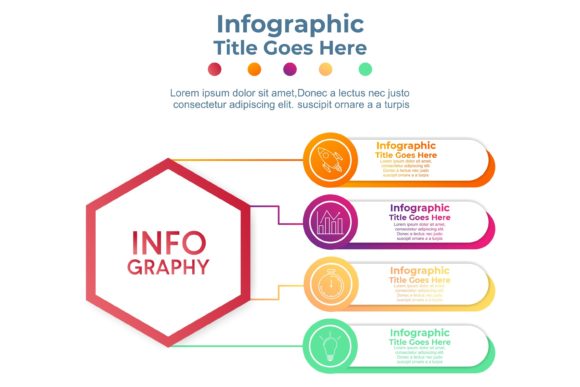
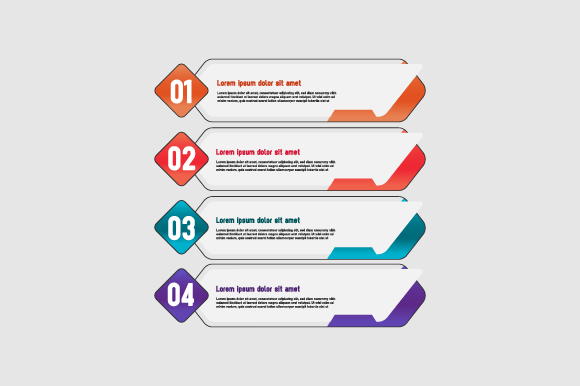
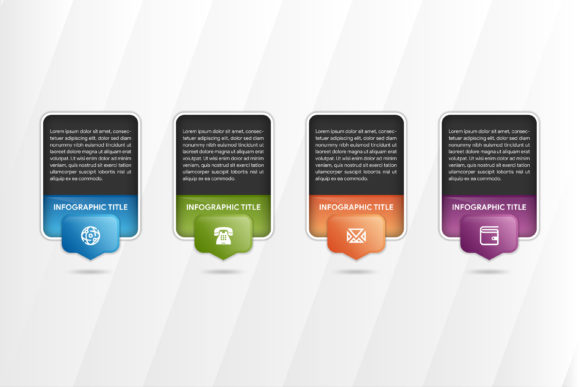
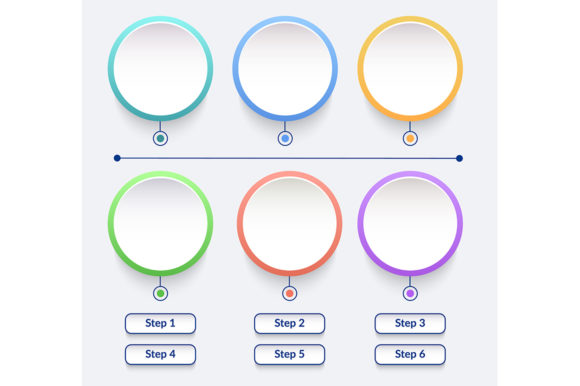
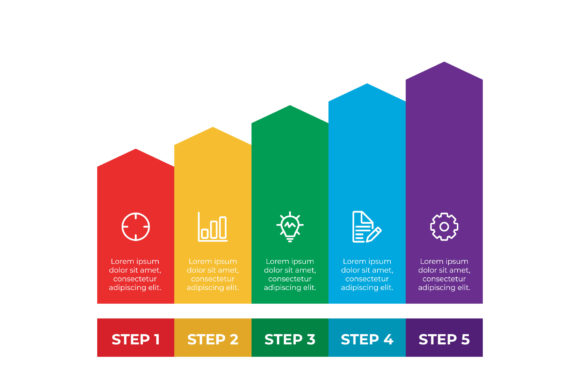
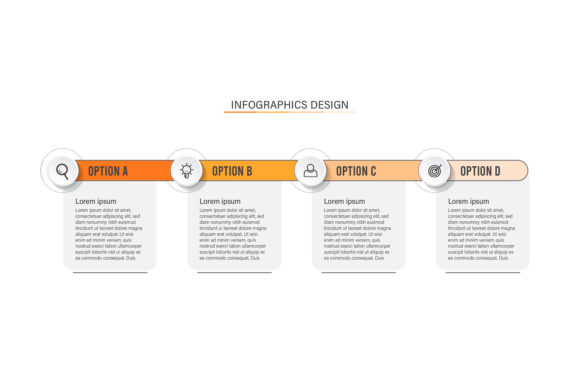
When sourcing these designs, professionals typically look for versatility. A standard download package often includes multiple file formats to serve different stages of the production pipeline. The inclusion of 100 vector elements suggests a modular approach, where individual icons, charts, and layout components can be recombined to suit specific messaging needs rather than relying on a single, static template.
Technical Considerations: Vectors, AI, and Editability
The value of an infographic asset lies heavily in its editability. Files provided in EPS (Encapsulated PostScript) format are industry-standard vectors that maintain infinite scalability without pixelation. This is non-negotiable for business use, where assets must transition seamlessly from a mobile screen to a large-format trade show banner. High-quality JPGs are generally included for immediate preview or low-stakes digital sharing, but they lack the structural flexibility required for professional customization.
Fully editable vector files allow designers to modify color palettes to match corporate identity guidelines, adjust typography for readability, and update data points as metrics evolve. The mention of AI compatibility refers to Adobe Illustrator (.ai) native files or the ability to use generative AI tools to assist in editing. While traditional vector editing requires proficiency in software like Adobe Illustrator, CorelDRAW, or Affinity Designer, emerging AI integrations are beginning to lower the barrier to entry. However, users should evaluate their team's current skill set before purchasing. If no one on staff can manipulate anchor points or manage layers in a vector editor, a fully editable EPS file may offer little immediate advantage over a static image.
Strategic Benefits and Operational Tradeoffs
Utilizing pre-designed infographic templates offers distinct advantages in speed and cost-efficiency. Custom illustration from scratch can take dozens of hours and significant budget; a comprehensive vector pack reduces this timeline to mere hours of customization. For businesses with high-volume content needs, such as weekly newsletters or regular social media updates, this efficiency is critical. Furthermore, cohesive asset packs ensure visual consistency across disparate departments, preventing the fragmented branding that often occurs when teams create ad-hoc visuals.
However, there are tradeoffs to consider. Pre-made assets inherently carry a risk of generic aesthetics. If a competitor uses the same popular vector pack, brand differentiation may suffer. Additionally, the "fully editable" nature of these files assumes a level of design literacy. Poorly executed edits—such as clashing colors, inconsistent stroke weights, or overcrowded layouts—can undermine the professionalism the infographic was meant to convey. Organizations must weigh the time saved against the potential need for quality control or additional training.
Situational Fit: When to Use Downloadable Assets
Infographic design for business assets are particularly well-suited for specific operational contexts. They excel in scenarios requiring rapid iteration or standardized formatting. Internal communications, such as HR policy updates or safety protocols, benefit immensely from recognizable visual frameworks that employees can quickly scan. Similarly, sales teams preparing customized proposals can use modular vector elements to build tailored diagrams without waiting for central design resources.
Educational and explanatory content also represents a strong fit. When explaining a SaaS product architecture or a financial compliance process, the structural logic provided by professional templates often surpasses what non-designers can create independently. The availability of 100 distinct vector elements allows for granular customization, enabling teams to mix and match components to accurately reflect unique business processes rather than forcing their data into an ill-fitting metaphor.
When Alternatives Are Preferable
Despite their utility, downloadable infographic assets are not a universal solution. There are situations where alternatives warrant serious consideration. If the data story is highly proprietary or conceptually novel, existing templates may constrain the narrative. In such cases, custom illustration ensures the visual metaphor aligns perfectly with the unique insight being presented, avoiding the cognitive dissonance of shoehorning original research into stock layouts.
Furthermore, if an organization lacks vector editing capabilities entirely and has no intention of acquiring them, investing in EPS/AI files is inefficient. In these instances, web-based design platforms with drag-and-drop interfaces or hiring freelance specialists may yield better ROI. These alternatives remove the technical friction of managing layers and paths while still delivering professional results. Decision-makers should audit their current software licenses and team competencies before committing to vector-heavy asset packs.
Decision-Making Framework for Buyers
Selecting the right infographic design for business resources requires a balanced evaluation of needs versus capabilities. Buyers should assess the following criteria during the selection process:
- Format Compatibility: Verify that the included EPS or AI files are compatible with your current version of Adobe Illustrator or alternative vector editors. Legacy files can sometimes cause compatibility issues.
- Style Alignment: Evaluate whether the aesthetic matches your brand guidelines. It is easier to adjust colors than to fundamentally alter the artistic style of a vector pack.
- Component Granularity: Determine if the "100 vector" claim refers to full infographic templates or individual modular elements. Modular elements generally offer higher long-term utility for diverse business applications.
- Licensing Terms: Scrutinize the license agreement regarding commercial use, especially if the infographics will be used in client-facing materials or sold as part of a larger service.
- Update Frequency: Consider whether the asset provider updates their library. Business trends evolve, and access to fresh visual metaphors prevents content fatigue.
Ultimately, the decision hinges on the intersection of resource availability and communication goals. Infographic design for business, supported by high-quality editable vectors, empowers organizations to visualize information at scale. By carefully evaluating technical requirements and strategic fit, businesses can leverage these assets to enhance clarity and engagement while maintaining operational efficiency. The presence of ZIP archives containing both source files and previews facilitates a low-risk evaluation process, allowing teams to test compatibility and usability before full integration into their content workflows.