Infographic Template Vol.14: Visual Workflow Design
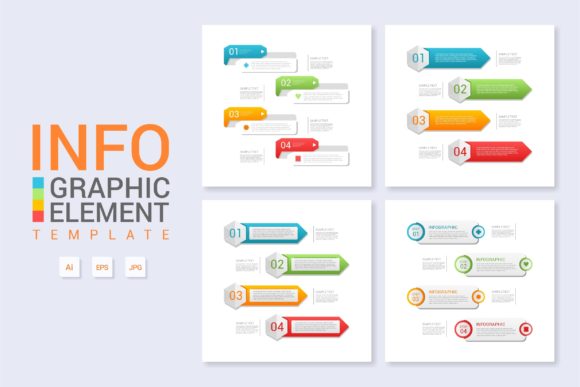
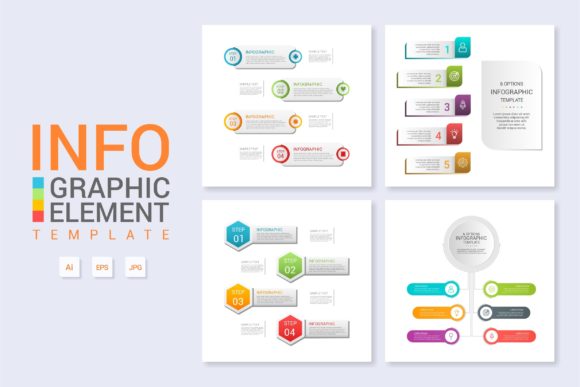
Visual communication often fails not because of a lack of data, but because of a lack of structure. When presenting complex workflows, product features, or organizational hierarchies, the difference between confusion and clarity usually lies in the layout. Infographic Template Vol.14 addresses this specific challenge by providing a robust framework designed for "About the Product" narratives and detailed workflow diagrams. Rather than offering a rigid set of graphics, this template serves as a foundational system that allows designers, marketers, and entrepreneurs to organize information logically without starting from a blank canvas.
The primary strength of this volume lies in its versatility across different media. While many templates are optimized solely for social media or print, Vol.14 is engineered with web design and banner integration in mind. This makes it particularly valuable for landing pages where user attention spans are short, and information hierarchy is critical. By utilizing pre-structured layers, you can maintain visual consistency across a website header, a detailed product breakdown section, and downloadable PDF resources, ensuring your brand message remains cohesive regardless of the format.
Streamlining Complex Product Narratives
For product managers and SaaS founders, explaining a feature set often requires balancing technical accuracy with marketing appeal. Infographic Template Vol.14 excels in this space by offering modular sections that break down dense information into digestible visual chunks. Instead of long paragraphs describing how a software integration works, you can adapt the workflow layout to show a linear progression from user input to system output.
Consider a scenario where you need to explain a new onboarding process. Using the organized layers within the Main AI File, you can isolate specific steps and assign distinct color codes to different user roles or system states. This approach transforms abstract concepts into tangible visuals. Because everything is layered and organized, updating the diagram when the product evolves takes minutes rather than hours. You simply change the text and adjust the connecting lines, keeping your documentation and marketing materials perpetually up-to-date without requiring advanced illustration skills.
Adapting Workflows for Diverse Audiences
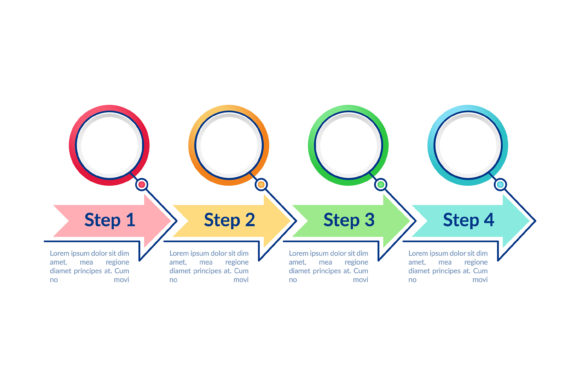
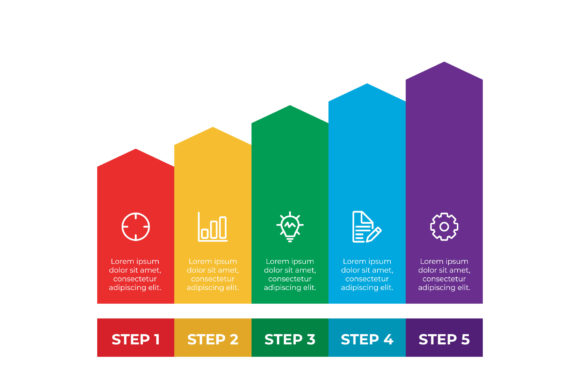
A single workflow rarely looks the same to every stakeholder. Investors want to see scalability, users want to see ease of use, and internal teams need to see operational dependencies. This template supports these varied perspectives through its flexible grid system. For an investor pitch deck, you might condense the workflow into a high-level three-step banner that emphasizes efficiency and ROI. Conversely, for an internal training manual, you can expand those same three steps into a detailed vertical diagram that includes troubleshooting nodes and decision points.
This adaptability extends to educational contexts as well. Educators and trainers can repurpose the "About the Product" layout to teach processes or historical timelines. The clean aesthetic ensures that the focus remains on the learning objective rather than decorative clutter. By maintaining a professional yet accessible style, the template bridges the gap between corporate presentation and instructional design, making it a useful asset for anyone tasked with transferring knowledge visually.
Technical Efficiency and Customization
Creative professionals know that time is the most expensive resource in any project. Infographic Template Vol.14 is built to respect that constraint. The inclusion of both Main AI and EPS files ensures compatibility across different versions of Adobe Illustrator and other vector editing software. More importantly, the internal organization of the file reflects professional standards. Layers are named logically, groups are locked appropriately, and global colors are utilized to allow for instant theme changes.
- Layered Organization: Elements are grouped by function (backgrounds, icons, typography), preventing accidental edits and speeding up navigation.
- Free Fonts Integration: The template relies on accessible, free typefaces, eliminating licensing headaches and ensuring clients can edit the file later without purchasing additional assets.
- Scalable Vector Graphics: Whether used as a small web icon or a large-format trade show banner, the artwork remains crisp and resolution-independent.
- Text Replacement Ready: Text boxes are sized and aligned to accommodate varying content lengths without breaking the overall composition.
These technical features are not just conveniences; they are essential for maintaining design integrity in collaborative environments. When multiple team members need to access a file, a disorganized layer structure leads to errors and version conflicts. By providing a clean, standardized foundation, Vol.14 reduces friction between designers, copywriters, and stakeholders.
Practical Applications in Web and Banner Design
Web design demands responsiveness and modularity. Infographic Template Vol.14 translates effectively to digital interfaces because it avoids overly intricate details that get lost on smaller screens. When adapting the template for a website hero section or feature block, focus on negative space and clear directional cues. The template’s inherent balance guides the eye naturally from left to right or top to bottom, which aligns with standard web reading patterns.
For banner ads and social media headers, the challenge is often fitting meaningful content into restrictive aspect ratios. The modular nature of this template allows you to extract individual components—a single process step, a key statistic, or a feature highlight—and reframe them as standalone assets. This creates a library of consistent visual elements that reinforce brand recognition across paid and organic channels. Instead of designing each ad variation from scratch, you leverage the established visual language of Vol.14 to produce campaigns faster and with greater coherence.
Maintaining Clarity Through Visual Hierarchy
Having a powerful template does not guarantee effective communication. The risk with any comprehensive toolkit is the temptation to use every element available. To keep results clear and audience-friendly, apply the principle of subtraction. Before populating Infographic Template Vol.14 with content, identify the single most important takeaway for your viewer. Structure the layout to support that core message, and treat secondary information as supportive context rather than equal weight.
Consistency is equally vital. If you use a specific icon style or color coding scheme in one section, carry it through to all related materials. The template provides the tools for this consistency, but the discipline must come from the creator. Use the global swatches in the AI file to define your palette before you begin designing. This ensures that even if different team members work on different parts of a project, the final output feels like a unified whole.
Originality within a templated framework comes from how you combine structure with unique content. The layout provides the skeleton, but your specific data, photography, and brand voice provide the personality. Avoid generic placeholder text during the drafting phase; using real content early helps you determine if the chosen layout actually supports your narrative or if you need to rearrange modules. This practical testing prevents the common pitfall of forcing content into a beautiful but inappropriate structure.
Maximizing Value Across Projects
Infographic Template Vol.14 represents a shift from disposable design to sustainable asset creation. For freelancers and agencies, it offers a reliable baseline that can be customized for multiple clients while maintaining high quality. For small business owners and hobbyists, it lowers the barrier to entry for professional-grade visual communication. The combination of easy modification, organized files, and broad application potential makes it more than just a collection of shapes; it is a productivity tool that translates ideas into structured, persuasive visuals.
Ultimately, the goal of any infographic is to reduce cognitive load for the viewer. By leveraging the thoughtful architecture of this template, you spend less time wrestling with alignment and layer management and more time refining your message. Whether you are mapping out a user journey, showcasing product specifications, or creating educational content, the structured flexibility of Vol.14 provides the necessary support to communicate with precision and impact. The result is work that looks intentional, functions effectively, and respects the time of both the creator and the audience.